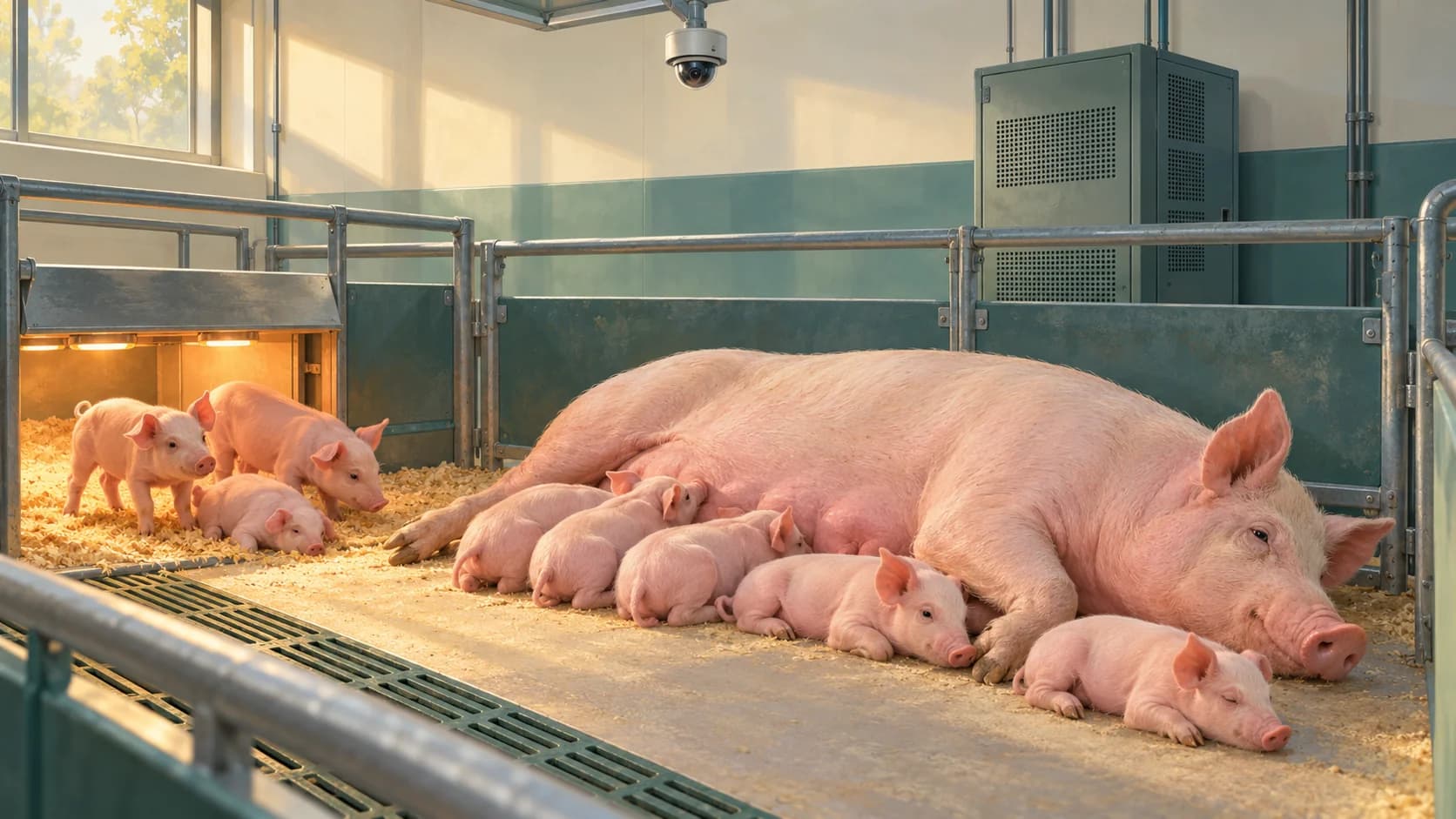
A sow-monitoring study gives a useful starting point
A U.S. study published April 22, 2026 examined automated sow posture and nursing-state classification from overhead images at the USDA's U.S. Meat Animal Research Center in Nebraska. The team included researchers from Illinois, Nebraska and USDA ARS.
For its modified YOLO11n model with TensorRT optimization, the paper reported processing times of 4.6 milliseconds on an NVIDIA A100 and 6.1 milliseconds on a T4. Those results help compare the tested configurations. The authors explicitly distinguish their timings from a complete system's video decoding, data transfer and farm networking.
That boundary matters when planning equipment. The results do not establish a supported camera count for another installation. A university still needs to test its chosen views, model and computing workflow together.
Count analyzed frames before choosing the GPU
Begin with the observation the investigators need. How frequently must each view be analyzed to answer that question? That is a study-design choice to establish with representative footage, not a frame rate to reduce until the computer happens to cope.
For views using the same analysis rate, the basic workload is:
Frames to analyze per second = camera views × analyzed frames per view per second
| Camera views | Analyzed per view | Total demand |
|---|---|---|
| 20 | 1 frame/s | 20 frames/s |
| 20 | 5 frames/s | 100 frames/s |
| 20 | 10 frames/s | 200 frames/s |
If different views need different rates, work them out separately and add them. Two views of one pen are two image inputs when both are analyzed. A pen count or a camera housing count alone does not describe the model workload.
Keep the incoming video rate, the retained recording rate and the analysis rate explicit. A system might retain a fuller video record while analyzing selected frames. Its benchmark must include the actual receiving, decoding and frame-selection path that makes this possible.
Time the route from an arriving frame to a saved result
Inference is the model processing its prepared input. A working research system also has to receive images, prepare them and make the output available. A practical test follows that whole route:
- Receive and decode the actual camera streams.
- Select and resize the frames required by the study.
- Run the chosen model and interpret its output.
- Save the result and keep its source footage available.
NVIDIA's benchmarking guidance separates throughput from latency and explains how input shapes, batching, timing method and the hardware/software environment affect a comparison. Throughput describes work completed over time; latency describes how long a request takes.
For a swine study, extend that comparison to the complete system you plan to run. A camera-to-saved-result measurement answers a different question from timing a prepared model input. Include concurrent recording and the exports the research team expects to use.
A system can stay online while its results grow old
Consider a hypothetical 20-view project analyzing five frames per view each second. It generates 100 frames of analysis work per second. Suppose a complete-pipeline test can finish only 90 per second under that workload.
100 arriving − 90 completed = 10 additional waiting frames each second
After one minute, 600 frames have accumulated if every frame is kept in a first-in, first-out queue. The application may still display results, but those results increasingly describe an earlier moment.
Dropping work changes the symptom. A system that discards frames may keep its latest result fresh while analyzing less than the investigator requested. Neither behavior should be hidden inside a claim that the software runs in real time.
Agree what matters for the study: the completed rate for each view, the age of a result when it becomes available, and how skipped or failed frames affect the analysis. For a retrospective study, slower processing may be acceptable; for a time-sensitive review, the same delay may defeat the purpose.
Compare complete configurations under the same work
A useful equipment comparison runs the same representative inputs, model version, input dimensions and required analysis rates on each proposed configuration. Keep precision settings and batching visible. Changing those settings can change both the computational result and the scientific usefulness of the output.
NVIDIA's performance best practices, updated October 5, 2026, recommend establishing a reproducible baseline before optimizing and measuring again. For a university trial, start after warm-up, run long enough to expose a growing queue, and include normal recording and export activity.
Inspect slower periods as well as an average. If one view repeatedly falls behind, an acceptable room-wide total can hide a weak part of the study. Look at result age and completed work per camera, then identify whether receiving, decoding, model execution or saving results is limiting the system.
A faster GPU is one possible remedy. Another may be a different software configuration or a better division of work. Choose between them using the measured bottleneck rather than the largest number on a specification sheet.
Make the equipment scope describe the study service
Instead of asking for “a GPU for 20 cameras,” describe a testable job: “These 20 views need five analyzed frames per second each, with results available within our agreed delay while the selected source video is recorded.” The rate and acceptable delay in that example are assumptions for discussion, not a recommendation for every sow study.
This gives the investigator, engineering team and equipment office one useful acceptance target. It also separates processing from video archive capacity: completing an analysis on time does not establish how long its source footage will remain available.
Livestock Technologies scopes fixed digital and thermal views, connectivity, on-site processing and retained source footage for university research. Our documented field installation shows that infrastructure in operation. For a swine project, we can discuss the views and data workflow around the specific study and benchmark the proposed processing scope with the team.
The independent sow study's software timings are not a Livestock Technologies performance specification. Our technology overview and university capabilities brief provide the platform context for a concrete project conversation.
Never lose an animal.
Bring the swine study and the workload.
Share the pen layout, required views, observation rate and how soon the team needs results. We can discuss a camera and computing scope built around that research job.
Scope a swine research system →