Choose the lookback that will actually help your crew
Suppose a manager wants to revisit a receiving pen from the previous week. A live view cannot answer that request once the moment has passed. The required footage must have been recorded, retained and easy enough to retrieve.
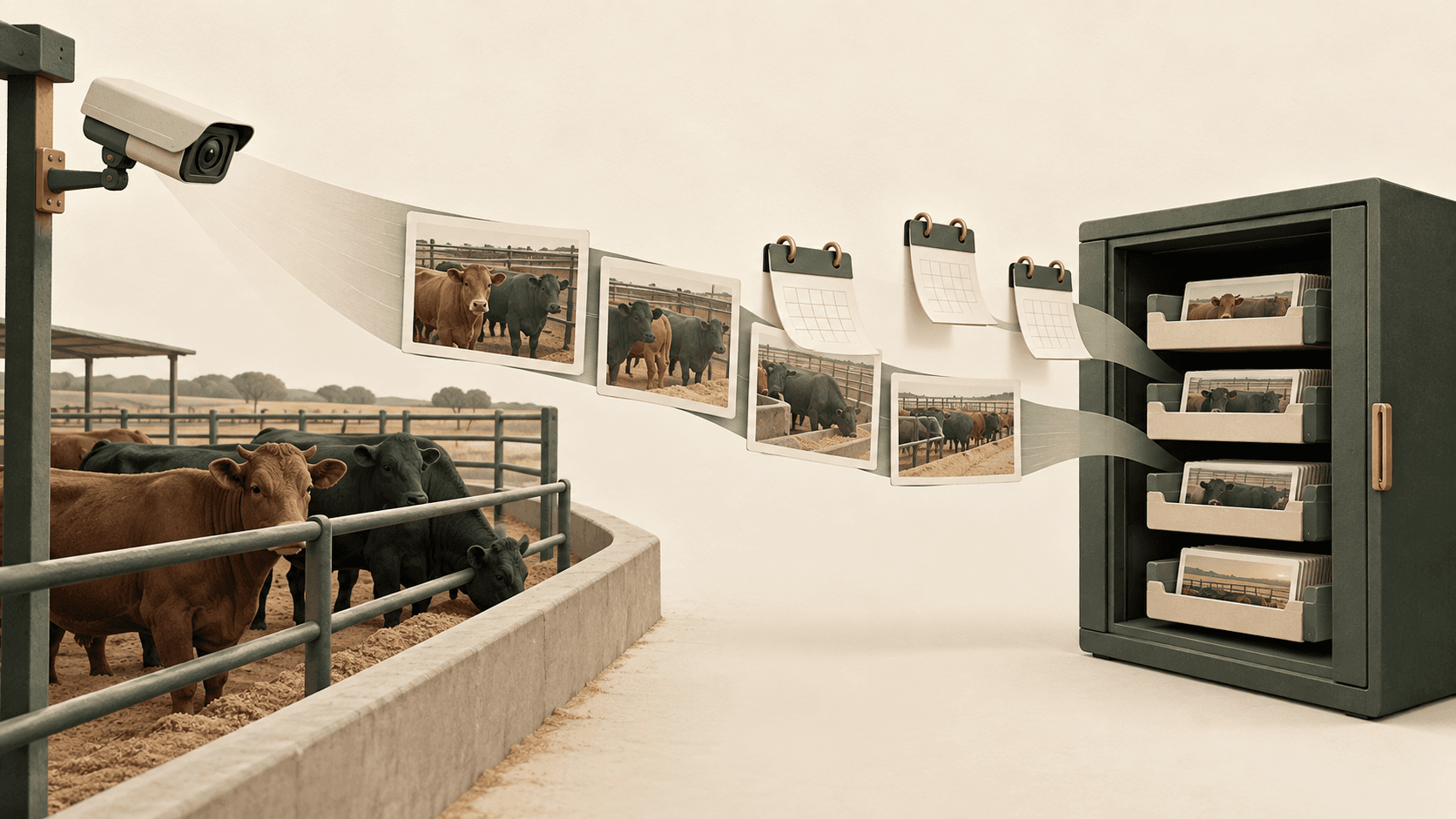
At the Tuskegee research feedlot, our installed system combines digital and thermal views, solar-powered field nodes, wireless links and an on-site computer for processing and storage. The camera-to-decision overview shows how those field views support review.
A commercial yard's archive is scoped to its own operating needs. The calculations below use assumed recording settings, not measured Tuskegee settings, a standard Livestock Technologies capacity or a price quote.
Turn bitrate into gigabytes per day
Bitrate is how much encoded video data is produced each second. Mbps means megabits per second; storage is usually described in gigabytes or terabytes. Eight bits make one byte.
For continuous recording at an average of 1 Mbps:
1 × 86,400 seconds ÷ 8 = 10,800 megabytes per day
That is 10.8 GB per day, using decimal storage units.
For equal-rate streams, the video-data estimate is:
Storage in GB = average Mbps per stream × 10.8 × number of streams × days
If rates differ, calculate each stream separately and add the results. If a stream records for only 12 hours a day, its recording time is half a full day. Do not use that reduction when the operating requirement is a continuous record.
Four streams: one week versus one month
Assume four streams, each averaging 2 Mbps, recorded continuously. Together they produce about 86.4 GB of video per day. Here is how retention and recording rate change the estimate.
| Streams | Average per stream | Retention | Video data |
|---|---|---|---|
| 4 | 2 Mbps | 7 days | 604.8 GB |
| 4 | 2 Mbps | 30 days | 2.592 TB |
| 4 | 4 Mbps | 30 days | 5.184 TB |
| 8 | 2 Mbps | 30 days | 5.184 TB |
At the same recording rate, twice as many retained streams need twice the capacity. The same is true of doubling the retention period. That makes the lookback decision a meaningful part of the equipment scope, not a setting to postpone until the disks are full.
Count recorded streams—not camera housings or pens
A physical unit can provide more than one output. If both a digital view and a thermal view will be archived, each retained stream belongs in the calculation with its own recorded bitrate. Do not assume they produce the same amount of data.
Likewise, four pens do not automatically mean four recorded streams. Some views may cover more than one area; another area may need multiple views. Agree which outputs are actually retained before applying the formula.
This calculation concerns encoded video. Still images, indexes, model outputs or other retained files need their own allowance. It does not establish that a thermal video file contains calibrated temperature measurements.
Use a representative recording rate, not just the resolution label
A megapixel count describes image dimensions, not the number of bytes that will be stored each day. Frame rate, compression settings, scene detail and movement also influence the recorded bitrate. A quiet pen and a busy handling period may produce different data rates.
Axis's bitrate-control guidance explains why variable-rate video changes with scene activity and why imposing a hard bitrate ceiling can sacrifice image quality. Its video-compression guidance also recommends evaluating the real environment.
For a feedlot scope, ask for an estimate grounded in representative footage at the quality needed for the job. Can the crew still see the gate passage or bunk area clearly? Lowering the rate is not a useful saving if it removes the detail the recording was meant to preserve.
Ask for usable archive capacity and a clear full-disk plan
The table estimates video bytes, not the complete storage purchase. Operating software, recording indexes, other retained outputs and the chosen drive arrangement can reduce the space available for footage. Variable recording rates also need a design allowance.
Ask the supplier to state the usable video-archive capacity after those allowances, alongside the labeled drive capacity. There is no universal spare-space percentage that can replace the actual system design.
Capacity is only one requirement. The system also needs to record while people search or play back footage. Axis's storage guidance treats that workload as part of storage selection, not something a terabyte figure alone can answer.
Finally, agree what happens when the archive reaches its limit, which footage must be preserved and whether a separate backup is in scope. Saving a few useful clips is different from retaining a continuous month of source video; the two should not be quoted as equivalent.
Bring a retention goal, not a guessed drive size
A useful starting request is: “We want to revisit this receiving pen for the previous 30 days, at a quality that lets our crew review the visible gate and bunk activity.” That gives the deployment team a purpose against which to choose views, estimate data rates and size the archive.
Our feedlot monitoring overview explains the operating workflow, and documented field results show the system we have built. Combine that field evidence with a site-specific storage scope: the right archive is one that still contains the view you need when you need to look back.
Never lose an animal.
Tell us which views you need to keep.
Show us the area of your yard, the footage your crew wants to revisit and the lookback period that would be useful. We can discuss a practical camera and on-site storage scope around that job.
Discuss a feedlot deployment →