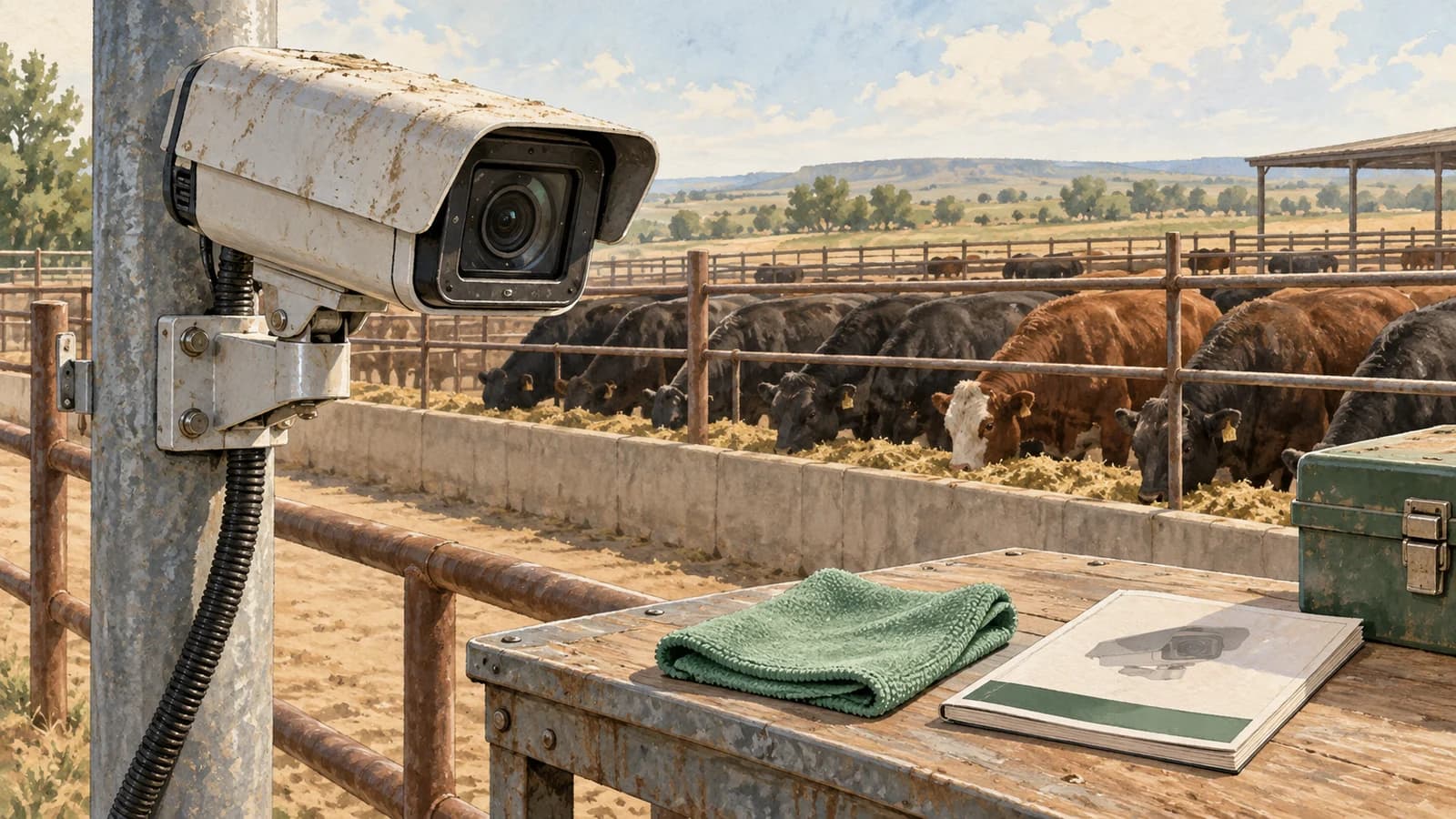
A camera can be online and still miss the useful view
A picture on the screen does not tell you whether the camera still covers the right gate, bunk, or water area. A shifted bracket or a new obstruction can change the scene without disconnecting the equipment.
For cattle monitoring, the practical question is simple: can the crew still see the activity this view was installed to explain? Compare the current image with an approved setup image. Look at fixed landmarks such as gate posts and bunk edges, not just whether cattle appear somewhere on screen.
Iowa State University Extension identifies service access as a camera-planning issue because cattle environments bring dust, manure, and moisture. Its camera-use guidance supports planning for cleaning and maintenance before equipment goes up.
Start with the view, then check the recording
Open the live view for the area your crew relies on. Check that the scene is sharp enough for the intended job and that an object close to the lens is not blocking it. A useful wide pen view and a detailed chute view have different requirements.
Next, open a recent recording. Confirm that the time, camera name, and location are recognizable, and that the clip plays back. Live video alone does not prove the footage will be available when someone needs to review an earlier event.
Check night footage separately when nighttime coverage is part of the deployment. A clear afternoon image does not establish what the same camera can show after dark. Our night-monitoring guide explains the difference between visible-light and thermal views.
Dust is a reason to inspect—not to scrub every day
Follow the cleaning instructions for the exact camera and protective window. Do not assume that a method approved for one housing or lens is safe for another, especially when a system combines color and thermal equipment.
Axis’s focus troubleshooting guidance explains that dirty or scratched front glass can reduce image quality, but also warns that unnecessary cleaning can damage surfaces. Persistent blur can have causes beyond dirt, including focus, lighting, vibration, or a damaged cover.
Do not improvise with abrasive pads, solvents, or pressure washing. Leave elevated equipment, electrical work, damaged seals, and internal repairs to appropriately trained personnel. Keep people and livestock clear of service work.
Make service access part of the installation
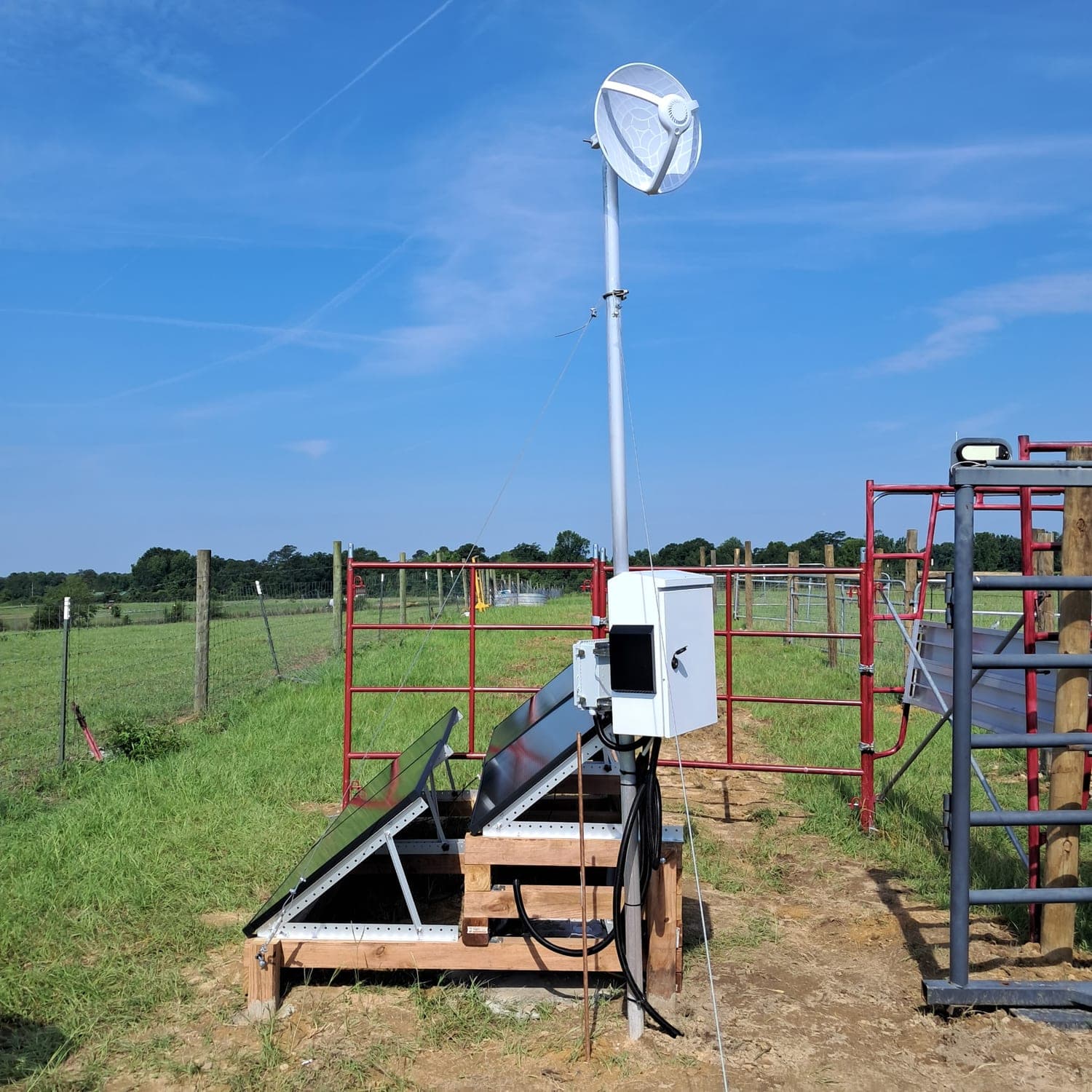
Livestock Technologies’ Tuskegee field installation brings together RGB and thermal capture, solar-powered field nodes, wireless links, and on-site computing. Keeping that whole path useful means considering more than the camera face.
Before installation, agree on who can safely reach the equipment, who reviews recording health, and who handles technical support. Include access to the power system and enclosure in that discussion. A location with a good view still needs a practical service plan.
Our camera-to-decision approach connects what is captured with the footage and context people use to review it. Maintenance should protect that connection from the field view through the stored evidence.
After a yard change, check the meaning of the picture
Example: the gate moved, but the camera did not
A crew changes a gate arrangement near a receiving pen. The camera remains online, but cattle now pass outside the area originally selected for review. The next step is to inspect the new route and confirm coverage—not assume that an unchanged screen means unchanged monitoring.
After a camera is moved or replaced, verify both the image and any configured pen or activity areas. Note the change time so later comparisons do not quietly mix two different views. This is an operating recommendation, not a claim that the system automatically recognizes every layout change.
For a storm or outage, establish when useful recording resumed before interpreting the gap. The camera-outage guide explains how missing coverage differs from an observed cattle movement.
Agree on a routine your crew can actually keep
Set an inspection routine with your installer based on equipment guidance, exposure, and how the view is used. Add checks after unusual dust, storms, a collision, or yard work. There is no single cleaning interval that fits every feedlot.
Axis’s maintenance guidance separates physical upkeep from recording, connection, and software checks. It is general manufacturer guidance—not evidence of an Axis partnership or a specific Livestock Technologies service package.
Ask a provider to spell out routine responsibilities, support contact, replacement arrangements, and any ongoing charges. Include those items when comparing the complete cost of a monitoring system, rather than treating maintenance as an afterthought.
Never lose an animal.
Plan a view your crew can keep useful.
Tell us which pen, gate, bunk, or water area needs a clearer view. We can discuss the monitoring goal, field conditions, and practical deployment questions with your team.
Discuss your feedlot setup →